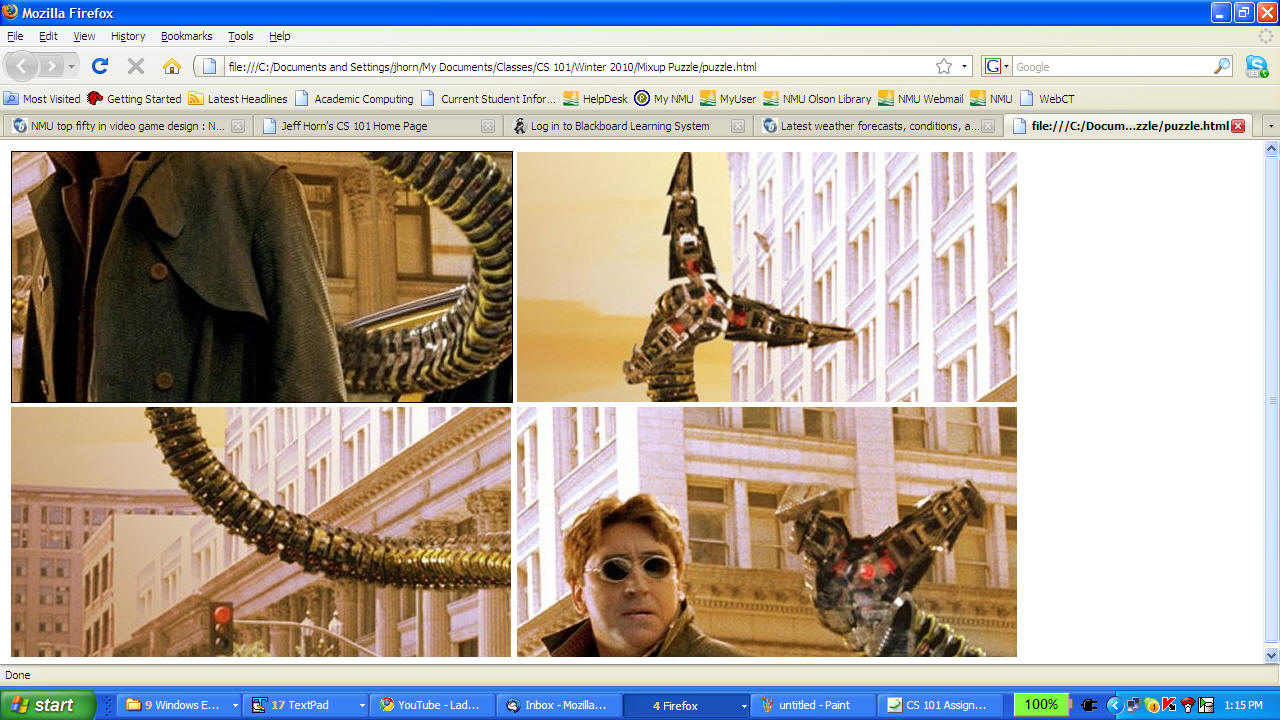
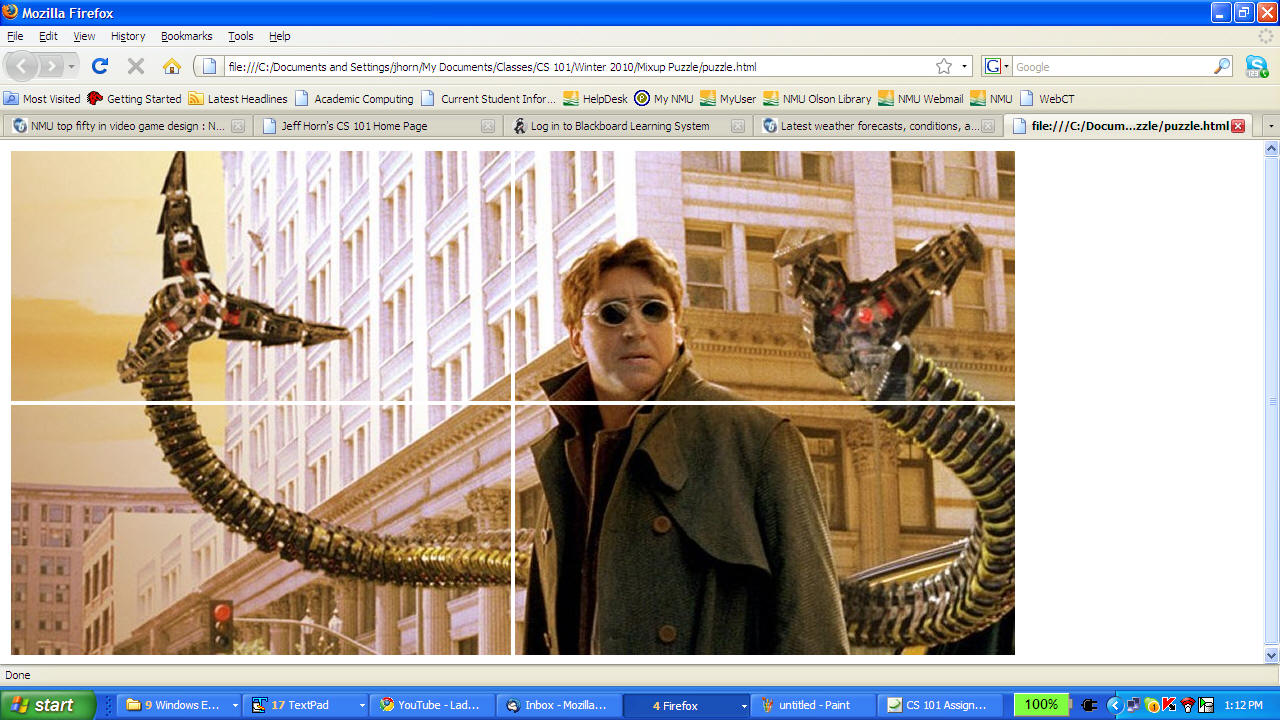
|
GRADE |
Requirements |
|
D |
- A web page on the web with clear
instructions for the game
- Images that actually change when clicked on.
- Images for which a unique ordering "makes
sense".
See above video lectures on cropping or
cutting images, above.
|
| C |
- All of the above , plus...
- The ability for the player to actually swap
images in the puzzle.
- Use of a table to organize the images (or
rather the slots for the images).
- A way to notify the player of the number of
clicks or swaps so far (e.g., an alert box).
See JS Intro I and II
video lectures above.
|
| B |
- All of the above, plus....
- The game actually works. In other
words, you can swap images until the game is
won.
- The "score" (e.g., number of clicks or swaps
so far) is accurately maintained and posted to
the player. See
JS Intro II video lecture above.
- The "score" is posted to the web page itself
(i.e., NOT to a pop-up like an alert box or
prompt box). You can do this with a form
element like a text box.
See JS Intro III video
lecture above.
|
| A |
- All of the above, plus...
-
Web page has a "solution" button that allows the
player to see a small image of the completed
puzzle. They should also be able to turn this off!
For example, you could use
<button value="peek" onclick=" (some Javascript
code)"> <input type="button" onclick="(some Javascript
code)"> to bring up the solution image, and
another button to hide it.
|
| A+ |
- All of the above plus...
- One or more of the following advanced
functions:
- A reset button that resets the game to
the original state (in terms of "score" and
the positions of images in the table).
- A "progress" field (e.g., text box) that
displays how close the puzzle is to being
solved (i.e., how many images are in their
correct positions).
- A "scramble" button that randomizes the
puzzle. This is not easy to do, as you
need more than random numbers; you need a
random "permutation" (ordering) of the
numbers 1...N, where N is the number of
images. Only for advanced students!
|